
Pages and websites
A single page or a website with four or five pages, fast on a phone, with a working form and, if you need it, in another language.
Pages and websitesSimple pages and simple processes for small service businesses.
An enquiry waiting for an answer. A quote that needs following up. The same details typed into another tool for the third time. I build the page, the digital foundations and the automations that tie these loose ends together, and I explain every piece to you.
Follow a customer's path as you scroll down.
What I do
You can start with just one. Each one works on its own and sets up the next.
A single page or a website with four or five pages, fast on a phone, with a working form and, if you need it, in another language.
Pages and websitesDomain, DNS and HTTPS on Cloudflare, email on your own domain and automatic messages sent from your business domain.
Domain and emailSomething you do by hand today starts running on its own: enquiries organised, replies drafted, reminders sent. The decision stays yours.
Automation and AI in practiceAn example of how small changes can keep the work moving.
An illustrative example. Every business has its own path.
Six areas worth looking at. Open one to see a typical situation and a possible first step.
“I get asked for work that isn't really what I want to do.”
Start by writing down who your offer is for, which problem it solves and what the person gets.
“Interested people write to me and go days without an answer.”
Start by setting a time to reply and a simple way to follow up.
“I answer the same questions on WhatsApp or by email several times a week.”
Start by putting your three most frequent questions into one welcome message.
“I copy information from one tool into another by hand.”
Start by spotting the information you copy over most often.
“I haven't spoken to a past client since the job ended.”
Start by working out when a new conversation would be genuinely useful for that client.
“I find out about problems late, once they have already cost money.”
Start by choosing the numbers that help you decide and booking time to review them.
Portfolio
Client websites and apps, alongside technical demonstrations. My first project was Raquel's blog in 2020.
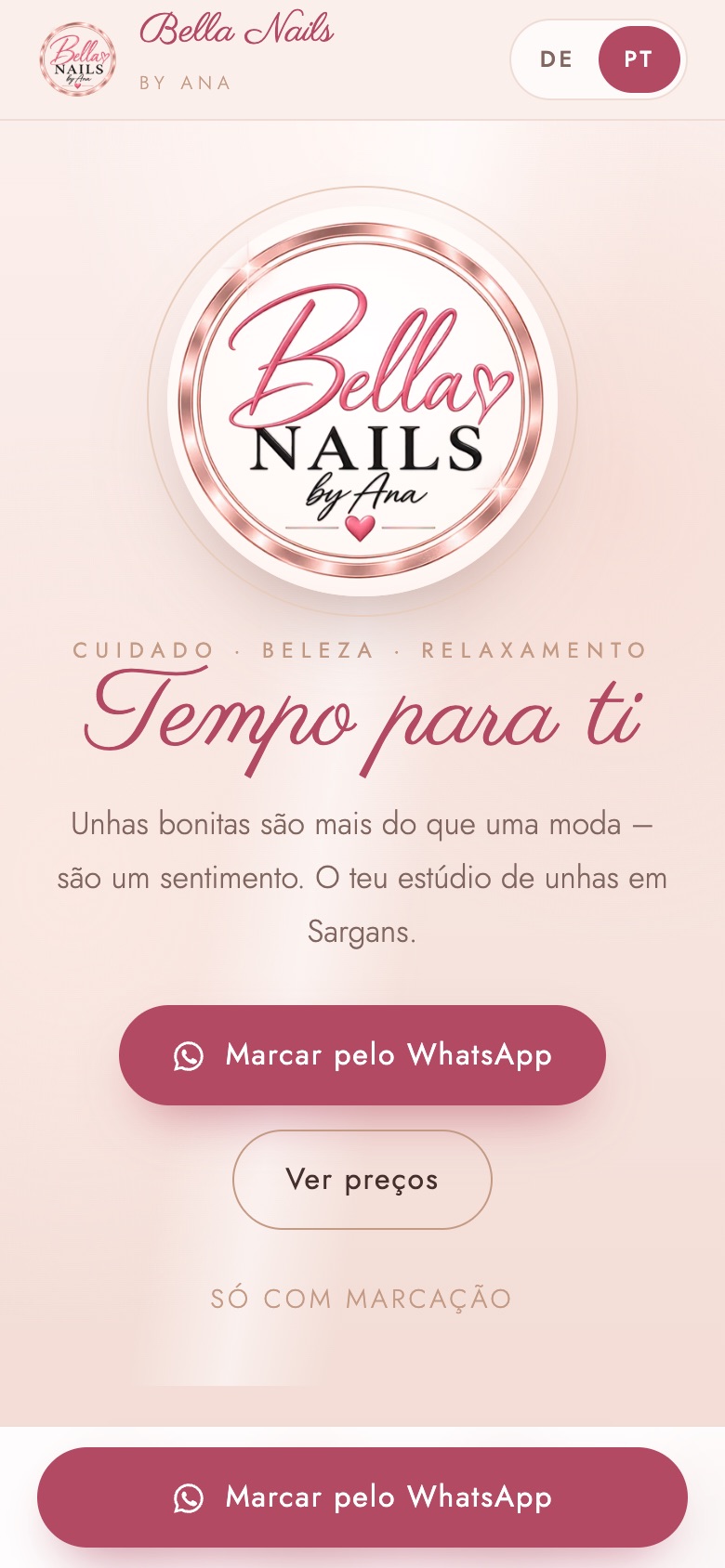
The website of a nail studio in Sargans, in German and Portuguese, with booking enquiries via WhatsApp.
See the case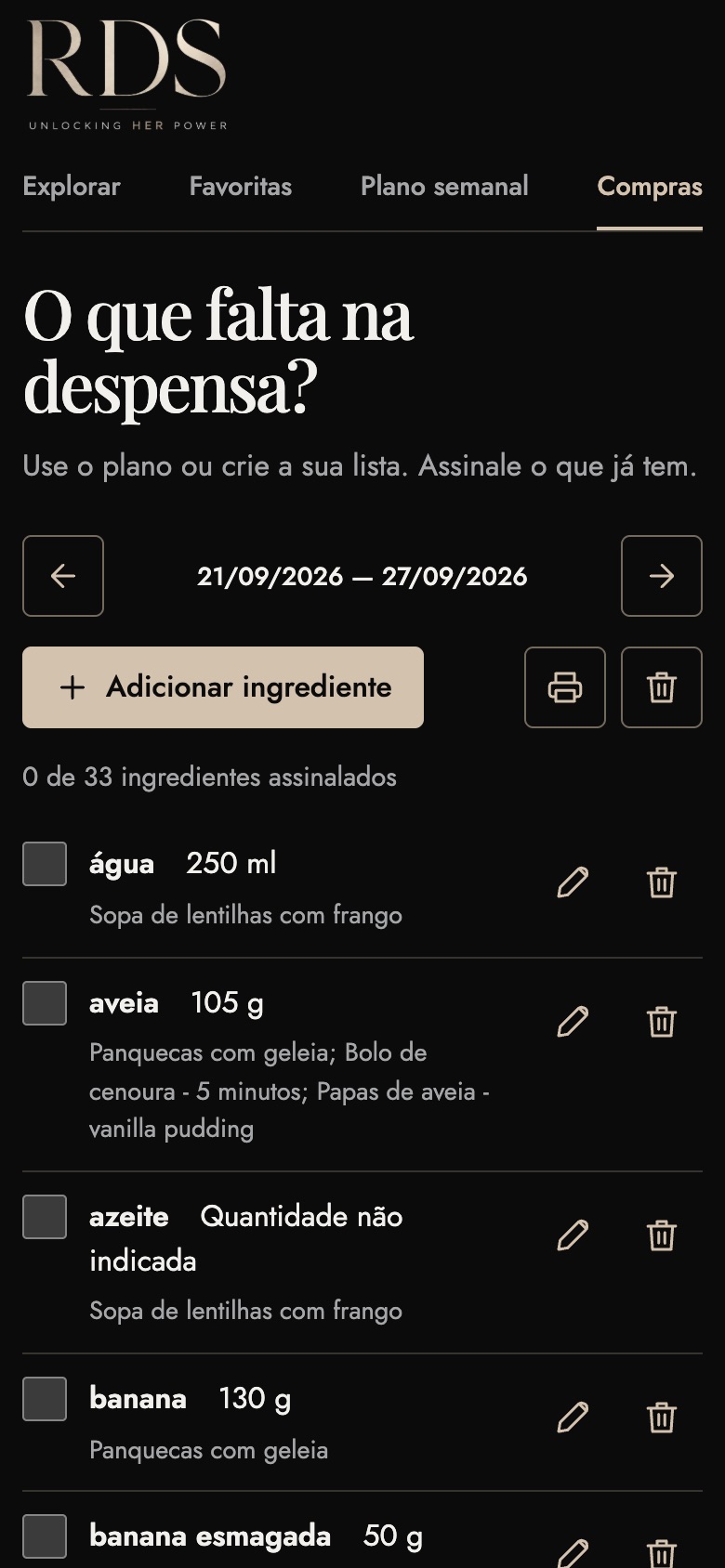
A responsive web app to browse recipes, save favourites, plan the week and generate the shopping list.
See the case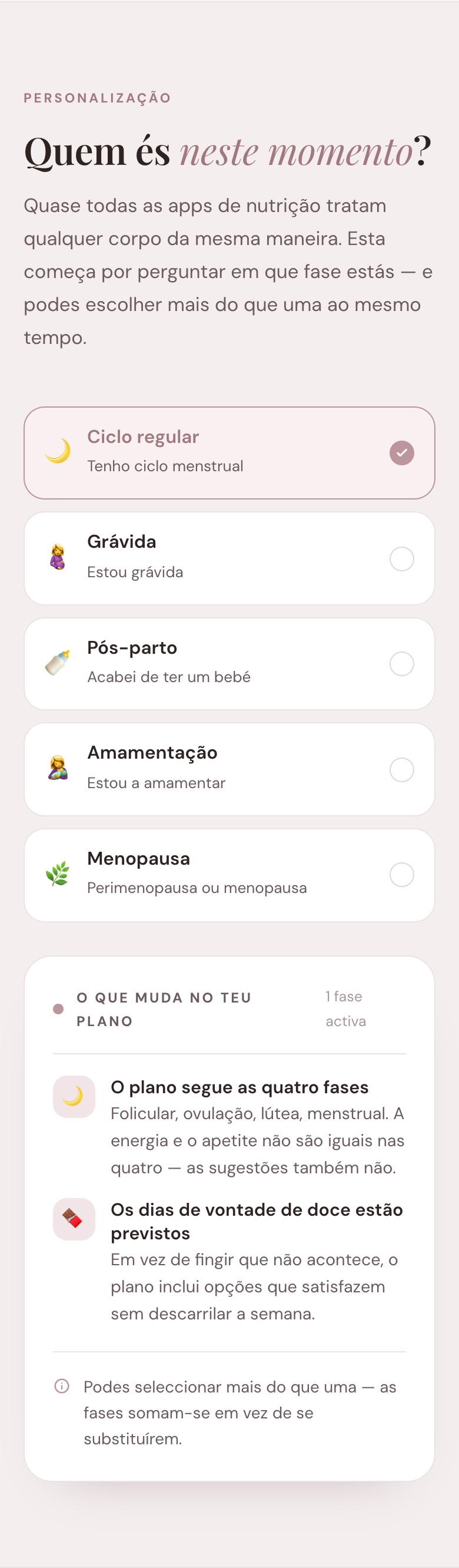
A nutrition app concept that starts by asking which stage of life the person is in.
See the case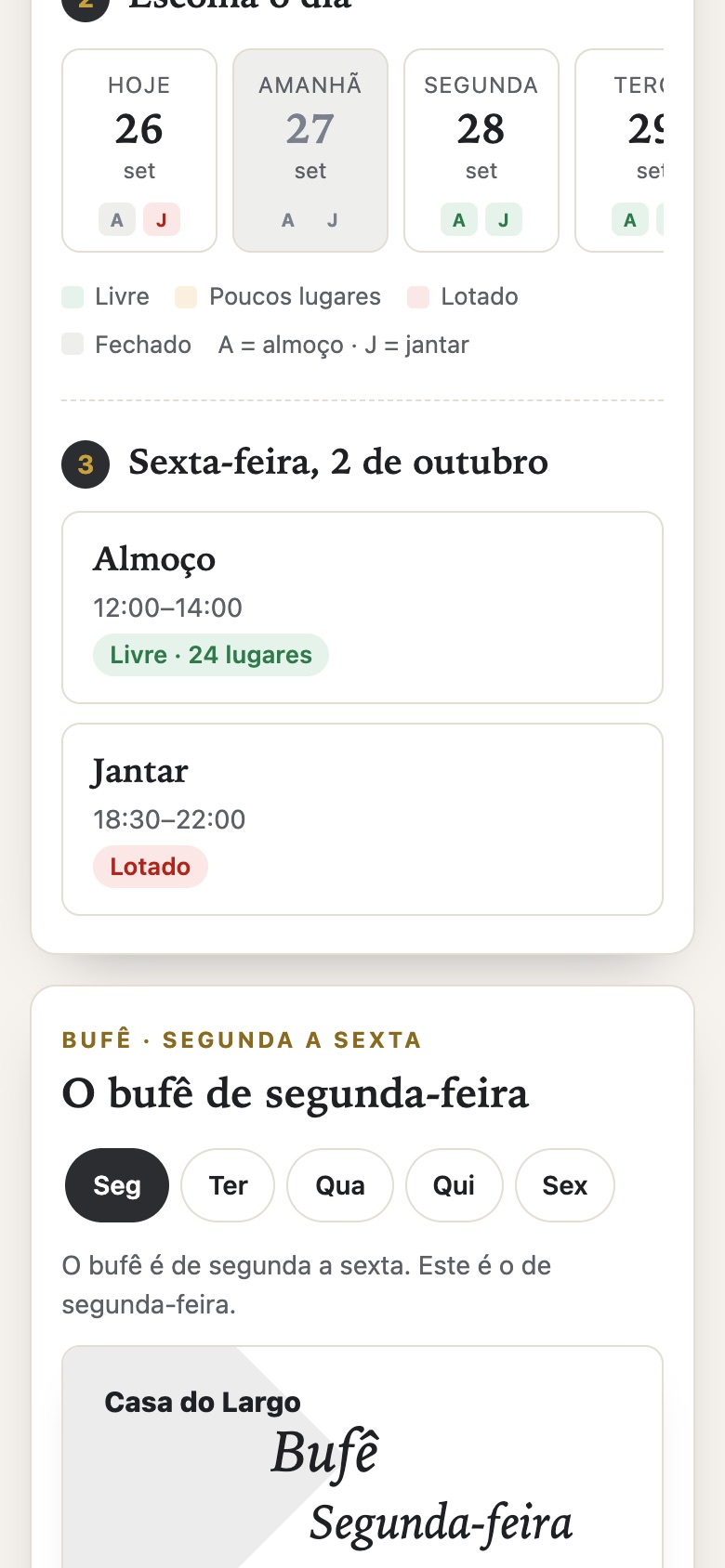
A demonstration of booking requests and service management with fictional data, stored only in this browser.
See the case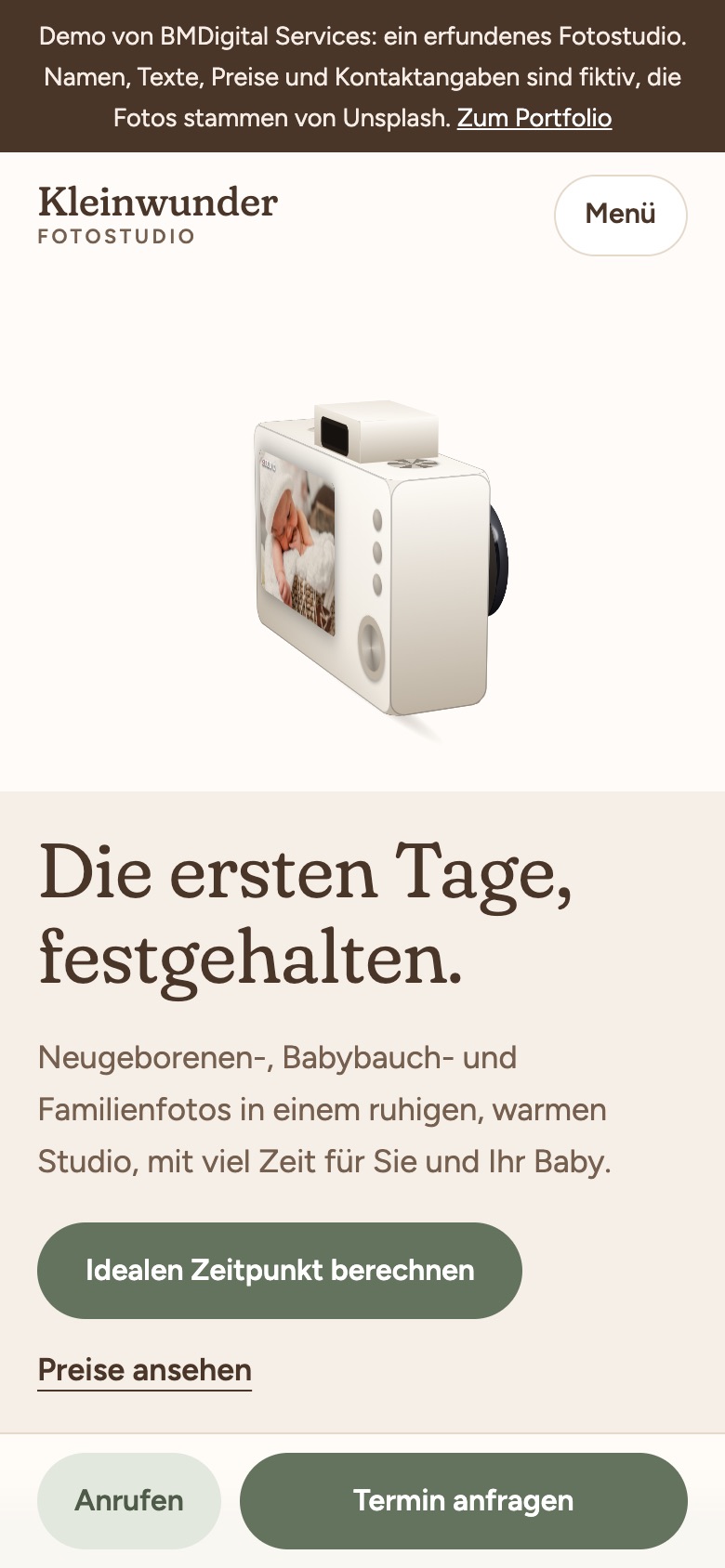
A website for newborn and family photography, with a 3D camera you can rotate and a calculator for the best date to book a session.
See the case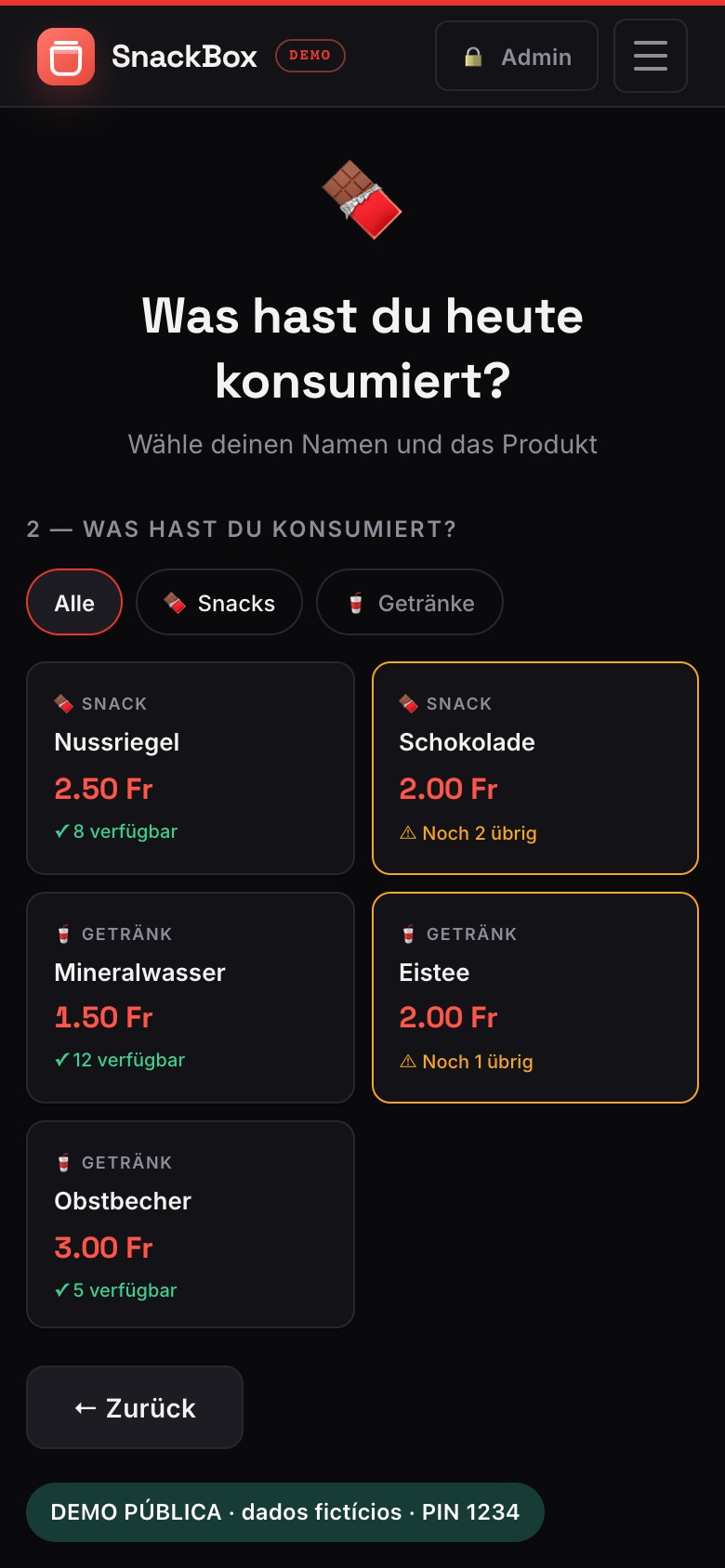
A responsive web app to record what people take, keep an eye on stock and settle the accounts of an office snack box.
See the caseDigital self-check
See how your domain, email, enquiries and automation are doing. The check runs in your browser and doesn't ask for your email address.
I also build the foundations
Good automation starts with the basics: a page that receives the enquiry, a domain that's set up properly and emails that actually land in the inbox. I take care of these pieces and explain each one in plain language.
Fast, light pages, with no website builder subscription. Built for the phone first, with a working form, a privacy policy and, if you need it, in more than one language. This page is an example.
I help you choose and register the domain, or transfer the one you already have. I set up the DNS, create subdomains, such as a version in another language, and plan the changes so that the website and the email keep working.
Hosting, DNS, HTTPS certificate and security headers in one place. With email forwarding, an address on your own domain arrives in the mailbox you already use, without paying for another mailbox.
For the emails your system sends on its own: confirmations, proposals, reminders. They go out from your domain, with SPF, DKIM and DMARC configured, so they reach the inbox and not the spam folder.
In plain language: SPF, DKIM and DMARC are DNS records that prove an email really came from your domain. Without them, automatic emails often end up in the spam folder.
Do you need a new page, a domain change or emails that actually arrive? Write to me and tell me what you use today.
From Wix and WordPress to apps built from scratch. See all the tools
 WordPress
 Wix
Wix React
React TypeScript
 Vite
Vite Flutter
 Supabase
 Cloudflare
 Resend
 GitHub
 Stripe
 Mailchimp
 Zapier
 Canva
Canva ChatGPT
 Claude Code
 Gemini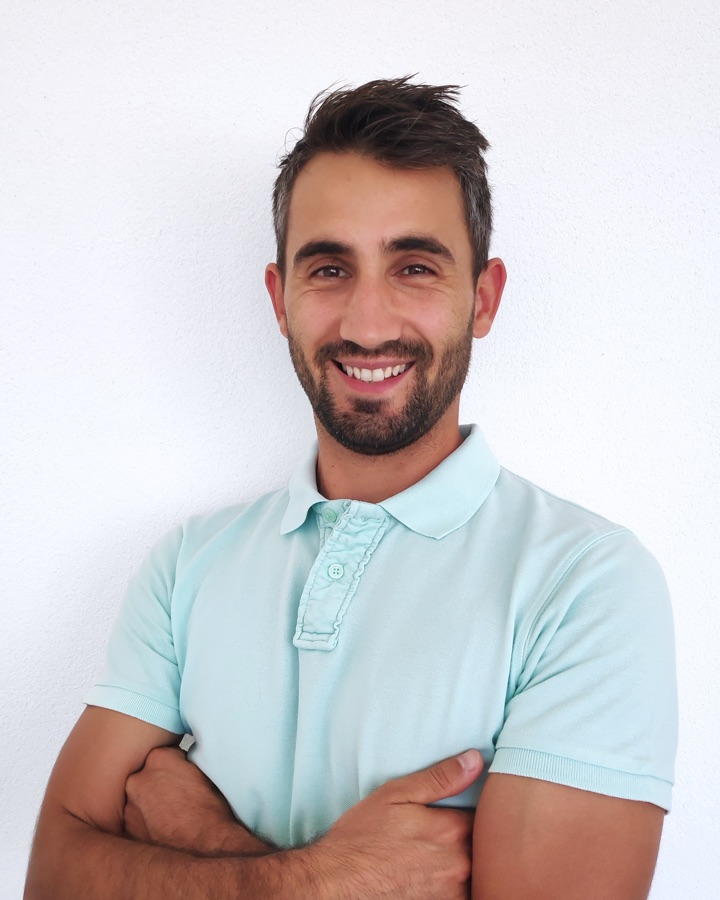
About me
I'm Bruno Marques, from Aldeia de Joanes, a village in Fundão, in Portugal's Castelo Branco district. I moved to Switzerland in 2013, looking for a better life and a fresh start. Leaving my family, friends and familiar surroundings behind wasn't easy. Today, I'm married to Raquel and we have a son.
I started working in digital in 2020, with Raquel's blog. I knew very little about it at first, but the more I learned, the more I wanted to build. Gradually, her projects and my own became part of my everyday work. That was how BMDigital Services began.
I chose to work for myself. The books I read along the way changed how I use my time and taught me to take action instead of waiting for things to happen.
Today I build web applications with React, TypeScript and Supabase, host them on Cloudflare and send the emails through Resend. Along the way I learned to understand the process first and only then choose the tool.
I use ChatGPT and Claude Code every day as tools. They help me write code faster, adapt content and set up automations. They speed the work up, but they don't do it for me. Finding and fixing bugs, checking security and testing are always down to me, and nothing reaches you until I've checked it. What I deliver is my responsibility.
From our first conversation to the handover, you work directly with me, in English, Portuguese or German. I explain each step in plain language so you understand how everything works and can manage it without relying on me.
Tell me what you use today and what takes the most time. I'll tell you honestly where I'd start, even if the answer is to leave things as they are.